Test Multiple SitecoreAI Roles With One Email Address


Index
Today I will take you through the "3 layers" of roles in SitecoreAI and show you a trick so that you can map the "same" email address to multiple user roles in the SitecoreAI CMS. This is useful when you need to test different user scenarios involving roles (and the associated permissions) without having to manage multiple email addresses.
The Problem
When implementing role based security, testing all functionality on an administrator account is not enough. Administrators often have permissions that hide security configuration problems. To properly test the authoring experience, you need to log in as the roles that will actually use it, e.g.:
- Global administrator
- Content administrator
- Content editor
- Limited or custom authoring role
SitecoreAI authentication and initial user creation are managed through Sitecore Cloud Portal. A user is invited to the organization, granted access to the SitecoreAI application, and then created in the SitecoreAI application when they sign in.
This means each test persona needs a distinct portal identity and email address.
Sitecore Cloud Login/Permissions Basics
This is well documented, but I want to set the stage.
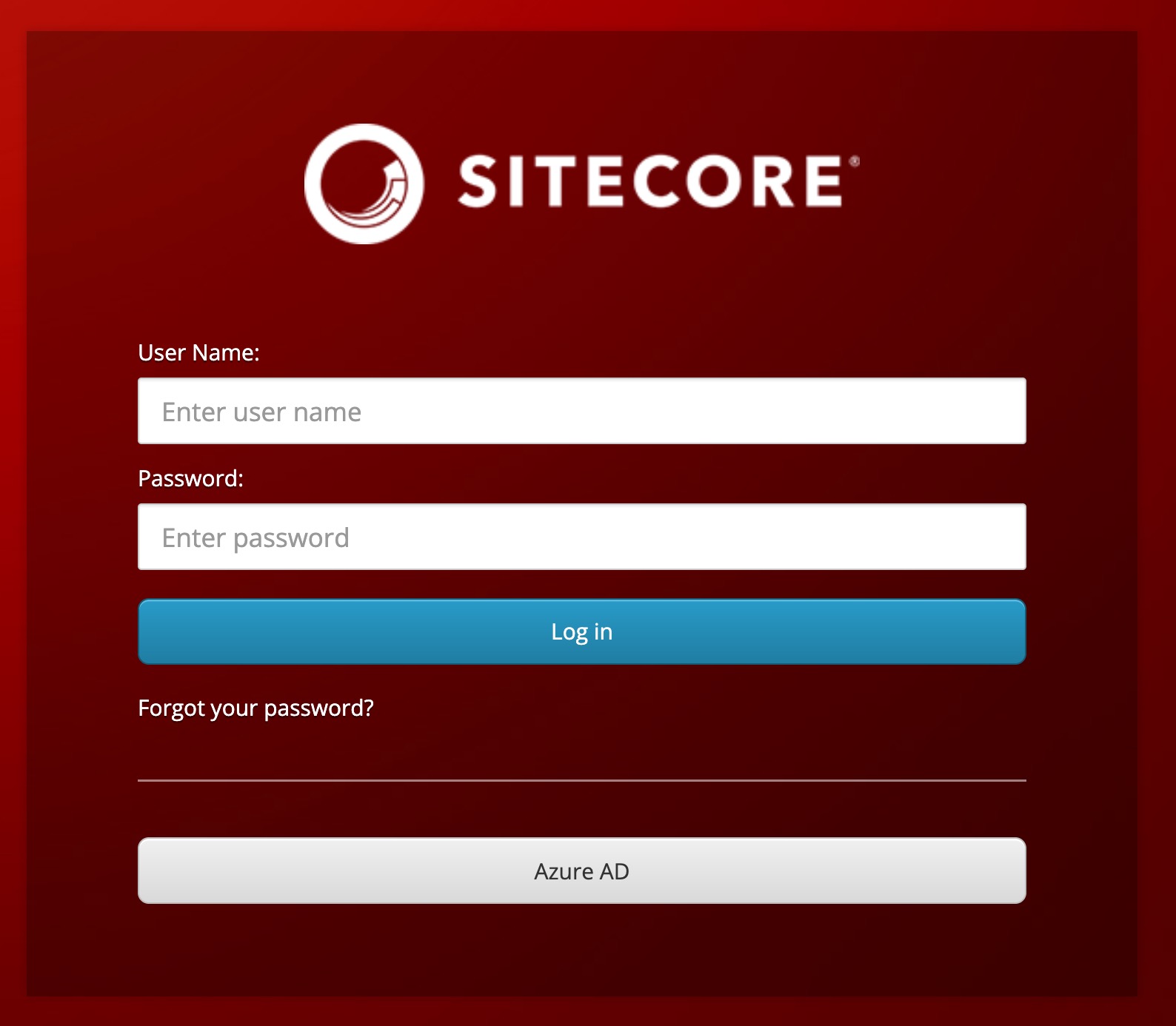
In SitecoreAI, you no longer log in using the classic Sitecore login screen.
Instead, you log in through the Sitecore Cloud Portal:
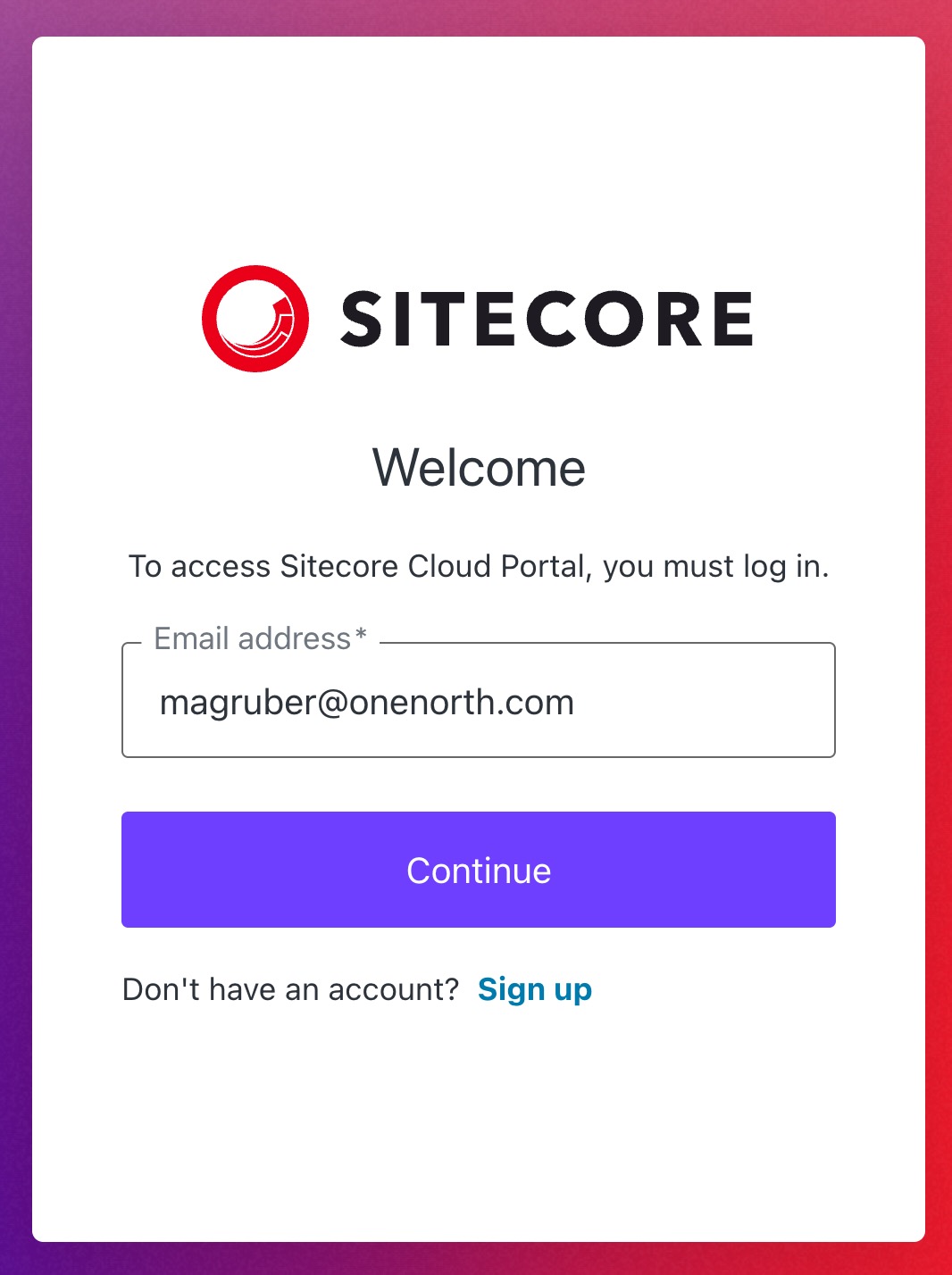
When an organizational admin invites a user to the Sitecore Cloud Portal, the user receives an email invitation to join the organization.
This is what the invite screen looks like:
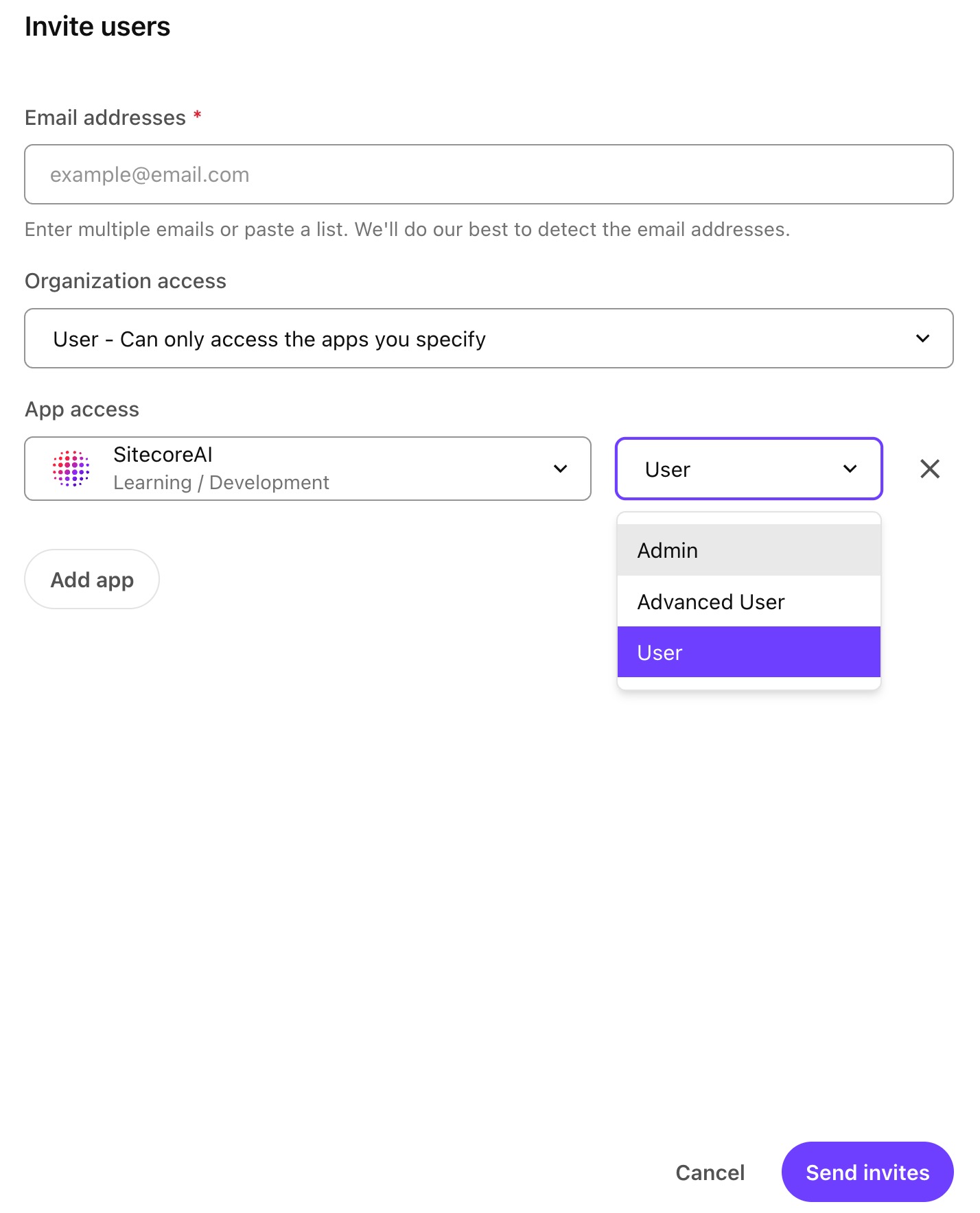
There are two levels of user roles available at the organization level:
- Admin
- User
Granting a user admin access to the org grants them access to all apps in the org.
Users with the user role can only access apps they are invited to. Within each app, you may have one of three roles:
- Admin
- Advanced User
- User
Three Layers of Roles
There is a difference between the Sitecore Cloud Portal org and app roles and the user roles within the SitecoreAI CMS.
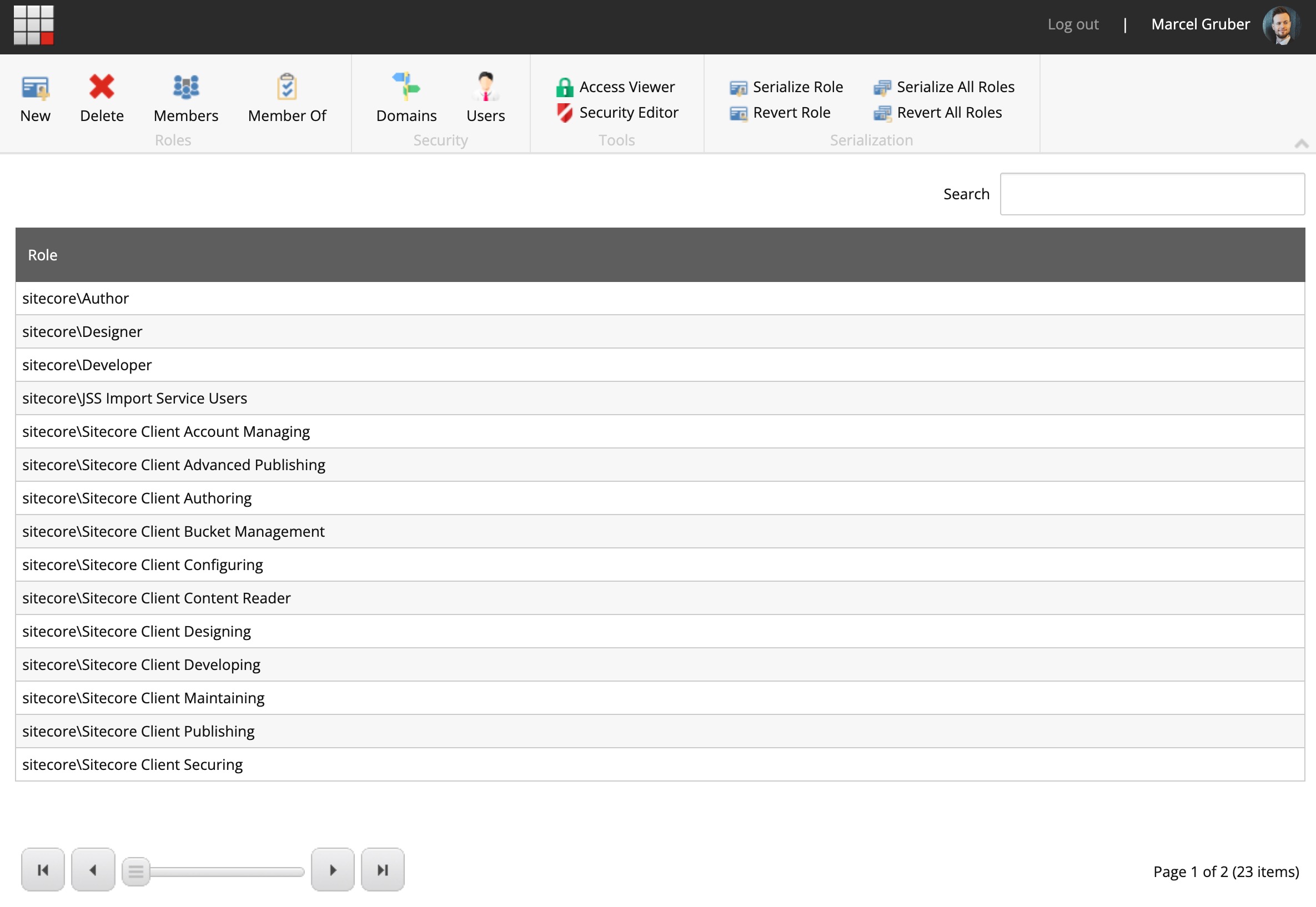
SitecoreAI CMS user roles are those which we are classically familiar with in XM/XP, and they can be navigated to via the SitecoreAI dashboard:
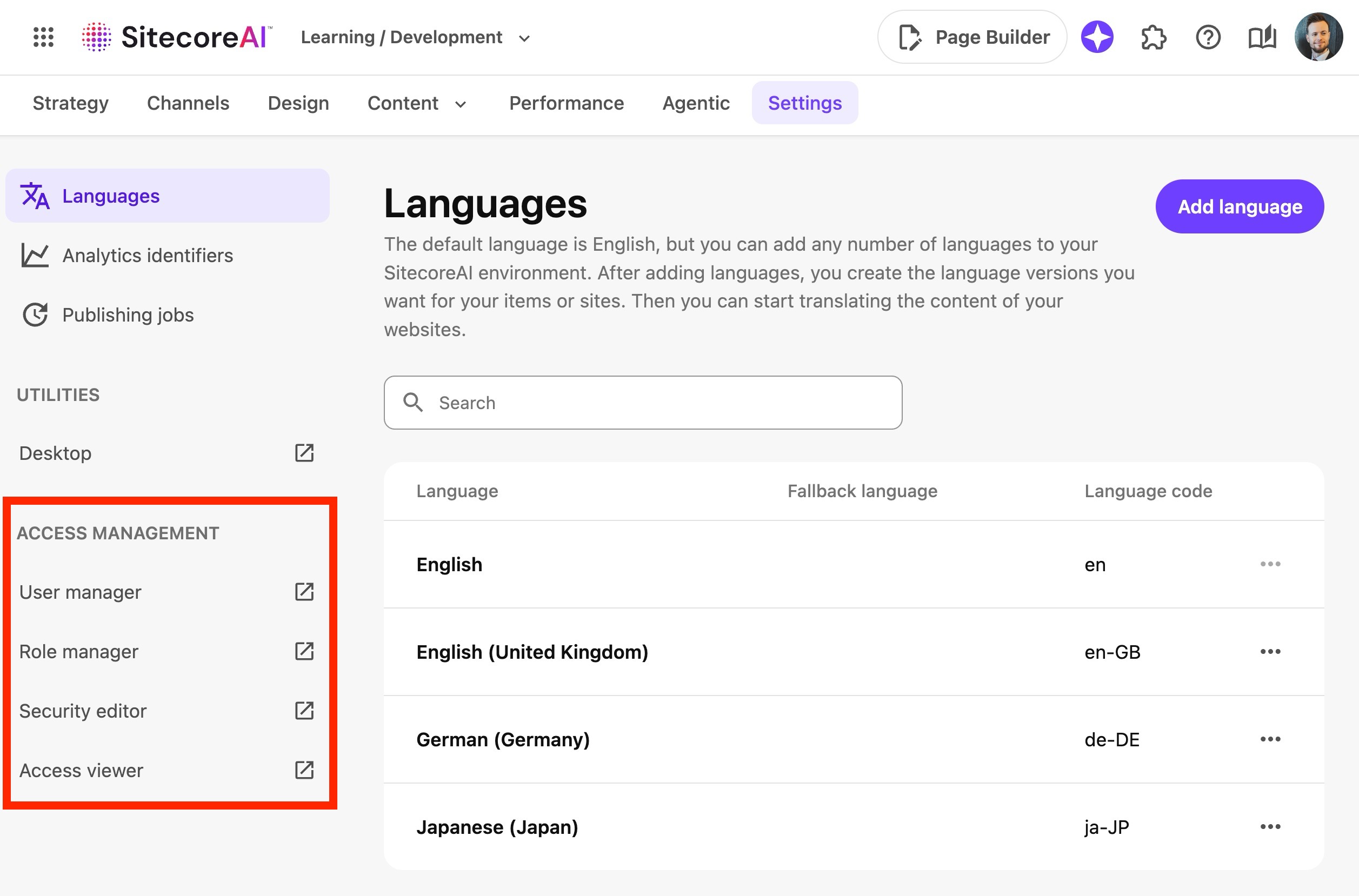
This is what we are used to seeing in the classic Sitecore Role Manager UI, and it is the "deepest" layer of roles in SitecoreAI:
SSO and Automatic Role Assignment
Sitecore Cloud Portal supports SSO (Single Sign On). One of the main benefits of SSO is that you can map user emails to roles in the SitecoreAI CMS via claims mapping. That means when a new user logs into SitecoreAI for the first time, they will automatically be assigned the correct role based on their email address.
If you don't have SSO enabled, when a user is invited to a SitecoreAI app either as an org admin or app admin, that user will automatically be granted admin access to the SitecoreAI CMS:
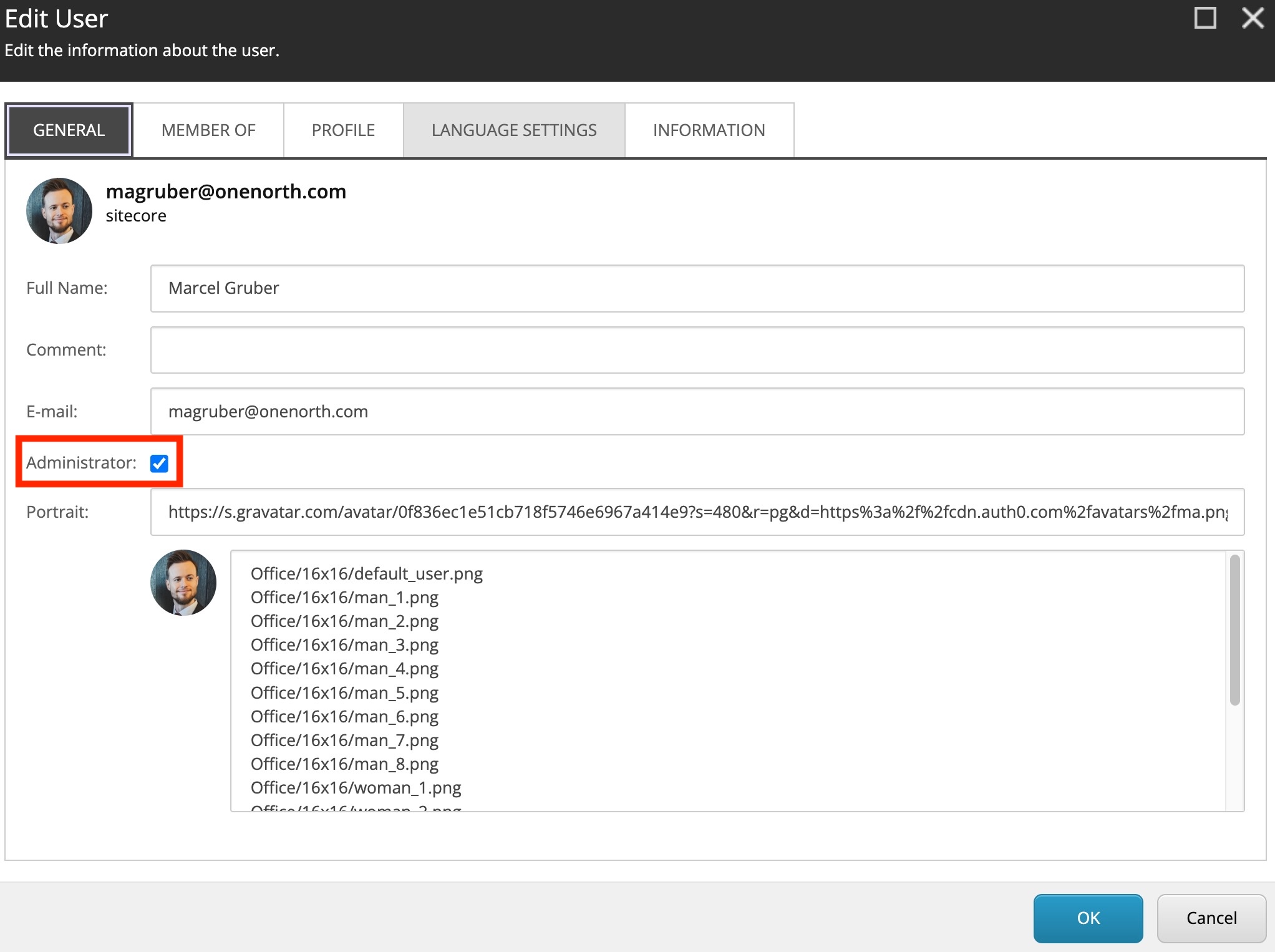
However, if the user is invited as a regular user, they will not be assigned any role in the SitecoreAI CMS. An administrator will need to manually assign the user a role in the SitecoreAI CMS, which can only be done AFTER the user has logged in for the first time. Moral of the story is that you should use SSO.
When not using SSO, is there a way to automatically assign a default role to newly invited users? I posed this question to the Sitecore Community, and no one seemed to be aware of a way to do this, with the followup question being: if you're not using SSO, what rule(s) would you base your automatic role assignment on? 👀
Plus Addressing
Here's what you've been waiting for.
Plus addressing (AKA subaddressing) lets you append a tag onto the local part of an email address:
<mailbox>+<tag>@<domain>This enables you to test multiple user role scenarios in SitecoreAI in cases where you don't want to manage or can't manage multiple email addresses. If your email address is homersimpson@springfieldnuclear.com. You might assign that as a default user role in SAI.
Then, add a user for homersimpson+editor@springfieldnuclear.com and associate it with a editor role.
Finally, add a user for homersimpson+admin@springfieldnuclear.com and grant it admin access.

The tag can be anything you want, so homersimpson+fired@springfieldnuclear.com will also work.
As far as Sitecore Cloud Portal is concerned, each of those is a different email address, and therefore a different user. As far as the mail server is concerned, they all land in Homer's single inbox. No extra mailboxes, and no bothering people for temporary accounts.
As mentioned earlier, if you are not using SSO, you will need to manually assign the user role in the SitecoreAI CMS after logging in for the first time. If you are using SSO, you can map the plus addressed email to a specific role in the SitecoreAI CMS, and that role will be automatically assigned when the user logs in for the first time.
Keeping the Sessions Separate
The invites all arrive in one inbox, and SitecoreAI treats each address as its own identity. But don't make the mistake of thinking your browser will keep them separate.
Sign in as the editor while the admin portal session is still alive and it can look like SitecoreAI is silently logging you back into the wrong account. Make sure to use a separate browser profile per persona. Private windows work for a quick check, but they get old fast when switching between the same accounts all day.
Caveats
- Your email provider needs to support plus addressing. Exchange Online enables itby default, but an admin can turn it off for the whole org.
- Plus addresses can only receive messages. No sending.
- Your identity provider needs to be configured. SSO, domain restrictions, automated provisioning or normalization rules could reject the
+or map the address back to the base mailbox. - Double check to ensure that the invite actually went to the tagged ()
homersimpson+tag@springfieldnuclear.com) address and not just the base mailbox. - This should probably only be used for testing.
Keep roleplaying,
-MG