SitecoreAI Search Experiences: A First Look


Index
Overview
Search Experiences is a new search model that is being introduced in SitecoreAI. It is designed to be used in conjunction with Content SDK 2.x.
Historical Nugget
Sitecore's fully featured cloud-based Search product (Sitecore Search) was the result of Sitecore's 2021 acquisition of Reflektion, which was founded by an early Google employee, primarily for eCommerce ("Individualized Commerce"). This is worth mentioning, because it explains why Sitecore Search is the way it is.
Understanding Search Experiences vs. Full Sitecore Search
In the context of SitecoreAI, Sitecore bundles search functionality under the broader "Conversion Optimization" umbrella:
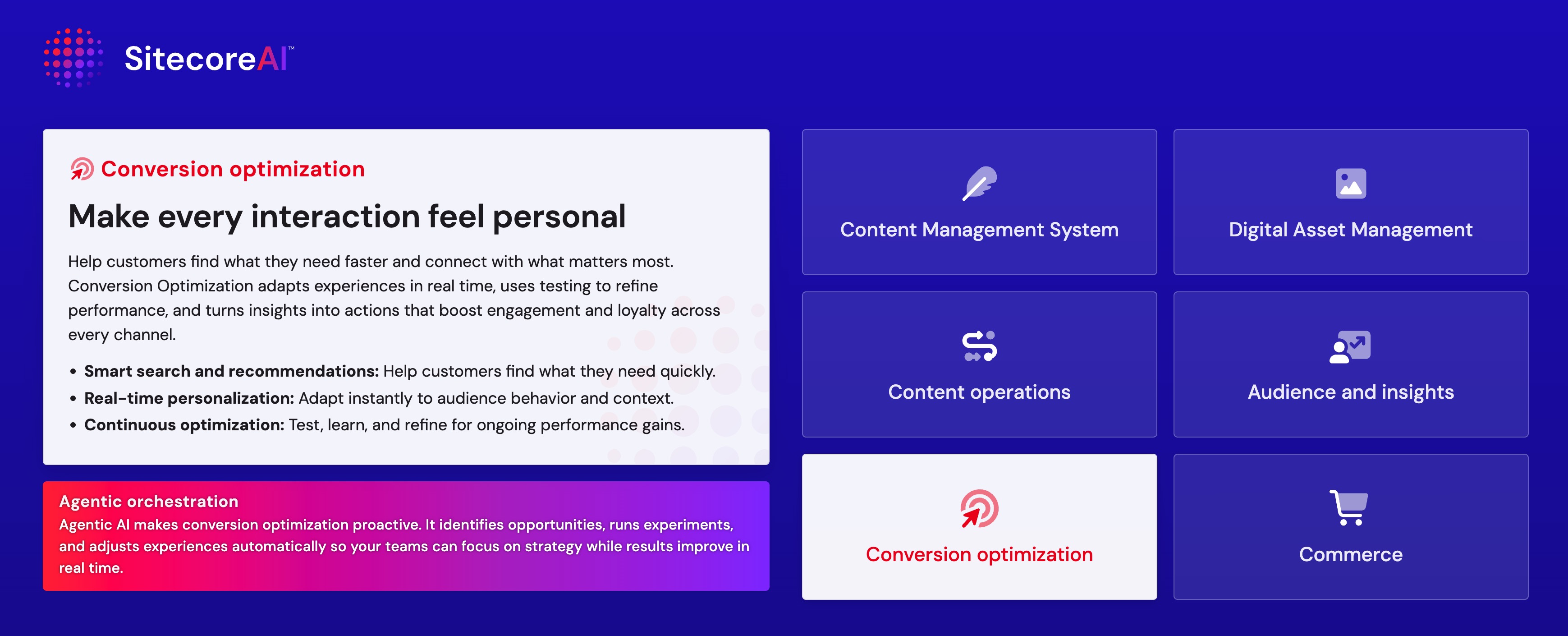
There are smaller umbrellas within the "Conversion Optimization" umbrella, such as "Search" and "Personalize".
It's important to understand the difference between Search Experiences and Full Sitecore Search.
Search Experiences and full Sitecore Search are not the same thing.
The simplest way to think about Sitecore Search vs. Search Experiences is this:
- Full Sitecore Search is the broader standalone search product
- Search Experiences is the SitecoreAI-oriented search model
That distinction matters because the SDK choice follows the product model.
For developers, the practical takeaway is:
- Use
@sitecore-cloudsdk/searchwhen you are working with standalone Sitecore Search - Use
@sitecore-content-sdk/searchwhen you are working with SitecoreAI Search / Search Experiences
In other words, @sitecore-content-sdk/search should not be assumed to be a universal, one-to-one replacement for the older standalone search SDK path. It is better understood as the package for the Search Experiences / SitecoreAI lane.
This means upgrade teams should first answer a product question, not a package question:
Are we staying on standalone Sitecore Search, or are we adopting Search Experiences?
Only after that decision should the team choose packages and plan migration work.
This also helps explain why some teams may still prefer the standalone path. For example, some developers have pointed to server-side usage as a reason to move toward @sitecore-cloudsdk/search/server rather than assuming Search Experiences is the default destination.
The key point is that Search Experiences is not just “the new SDK for search.” It is a different search model. Teams should validate feature fit carefully, especially if their existing implementation depends on advanced behaviors such as server-side execution, preset query constraints, or custom filter composition.
How I see it is that Search Experiences lend themselves "section" searches such as "Blog Search" or "Product Search", whereas Full Sitecore Search lends itself more to global site search. This means that it's not an either/or decision. As of this writing, chances are you will need to use both in most cases.
In the following sections, you will see how to configure a Search Experience.
Configuring a Search Experience
When you are ready to configure a search experience source, you start by specifying a name of the index and the template ID of the content type that you want to index.
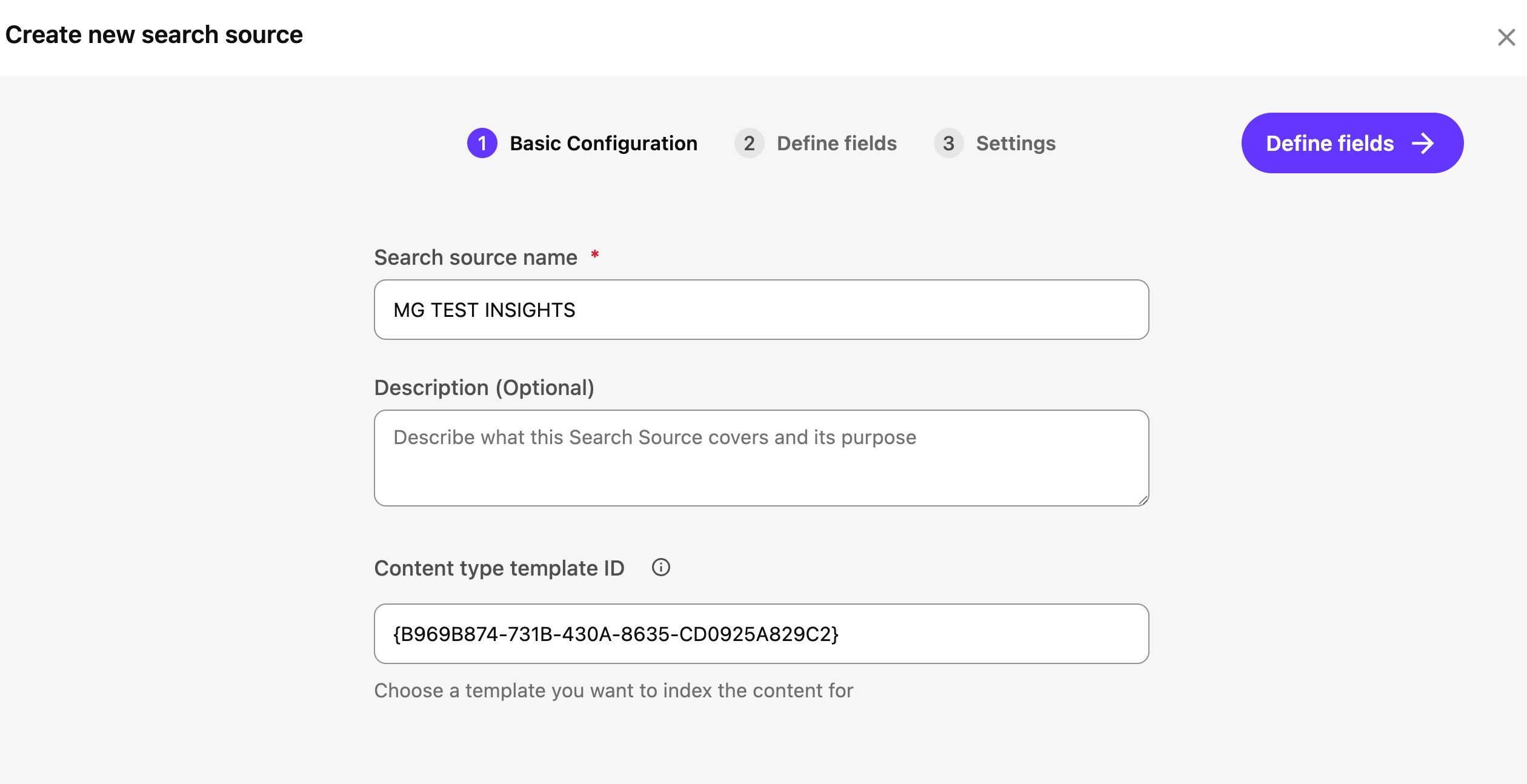
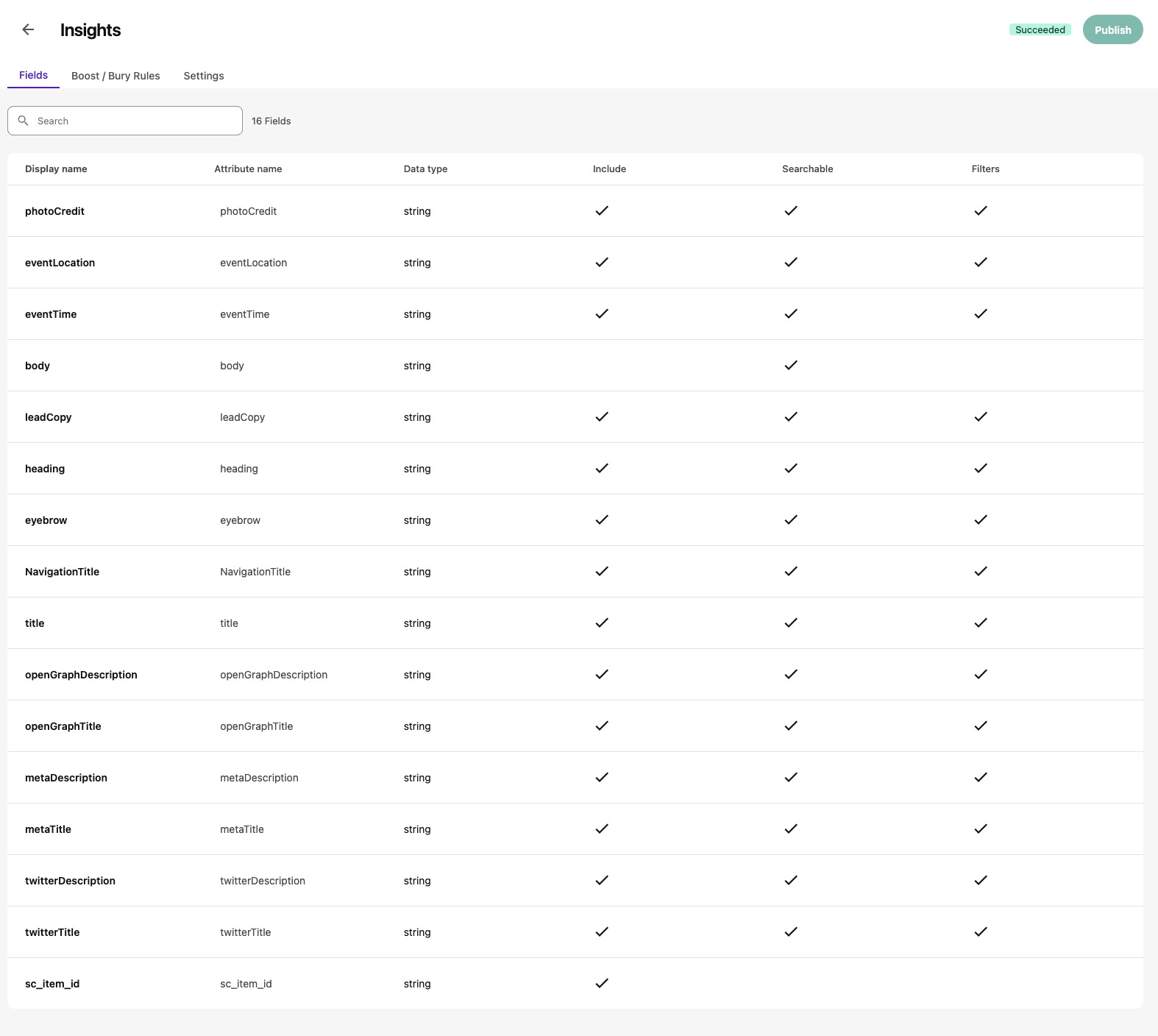
What's cool is that all of the template fields are automatically pulled in, at which point you can specify whether to:
- Include the field in the search index
- Allow the field to be searchable
- Allow the field to be filterable
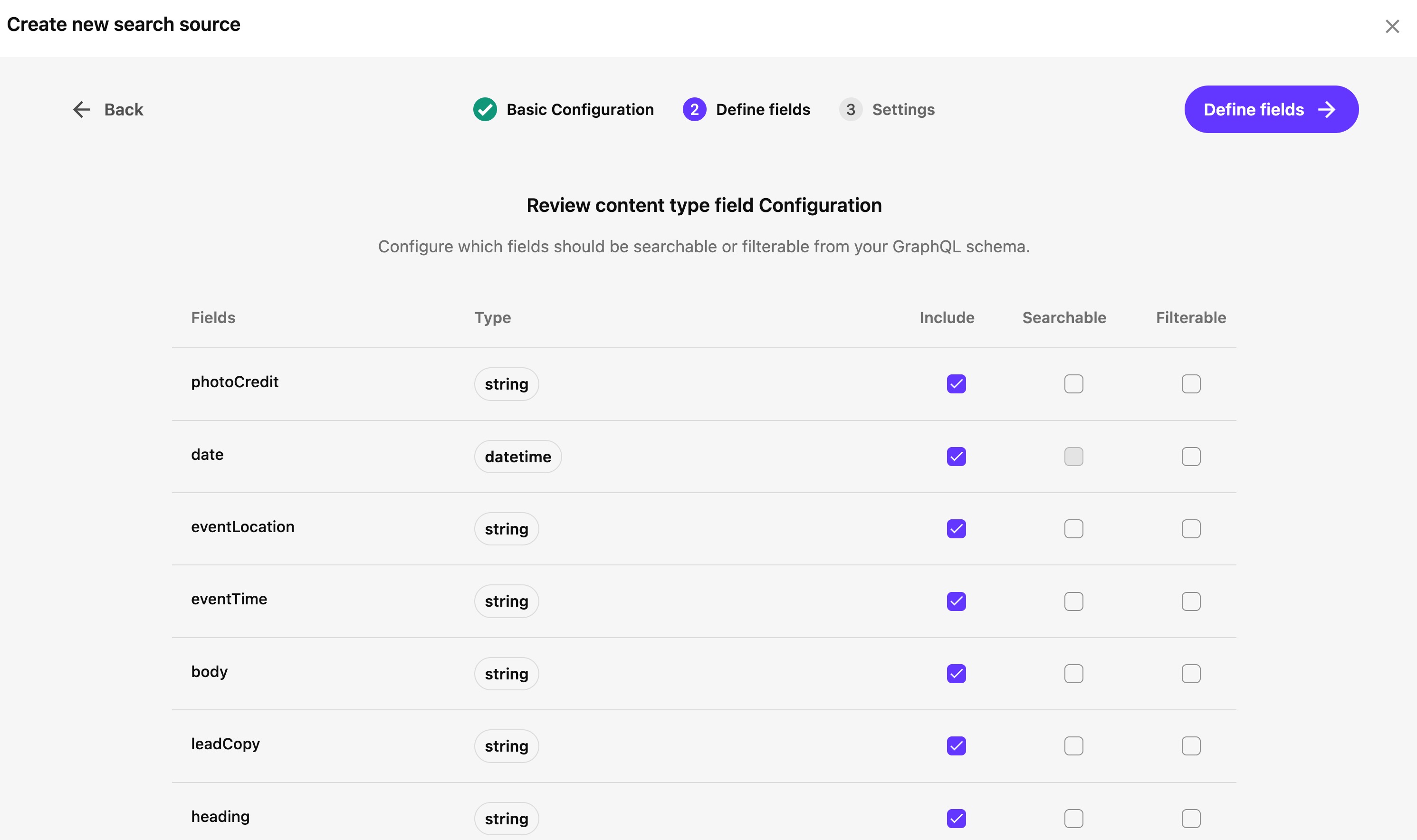
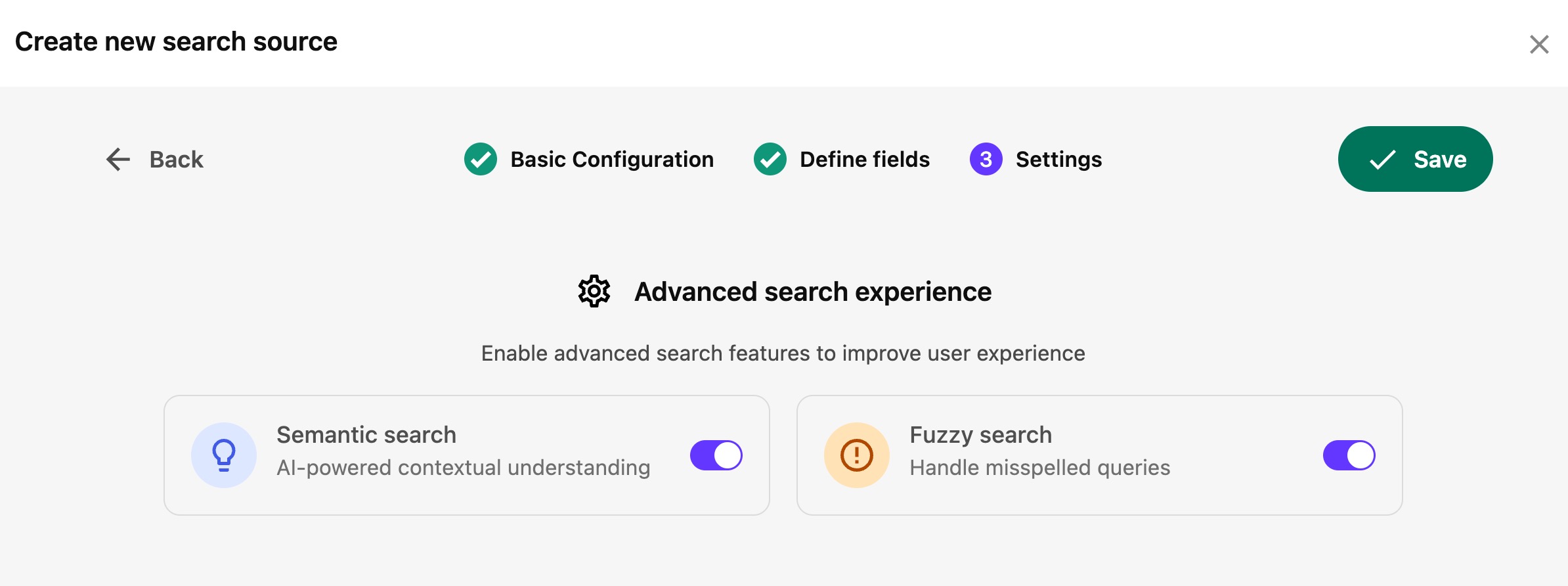
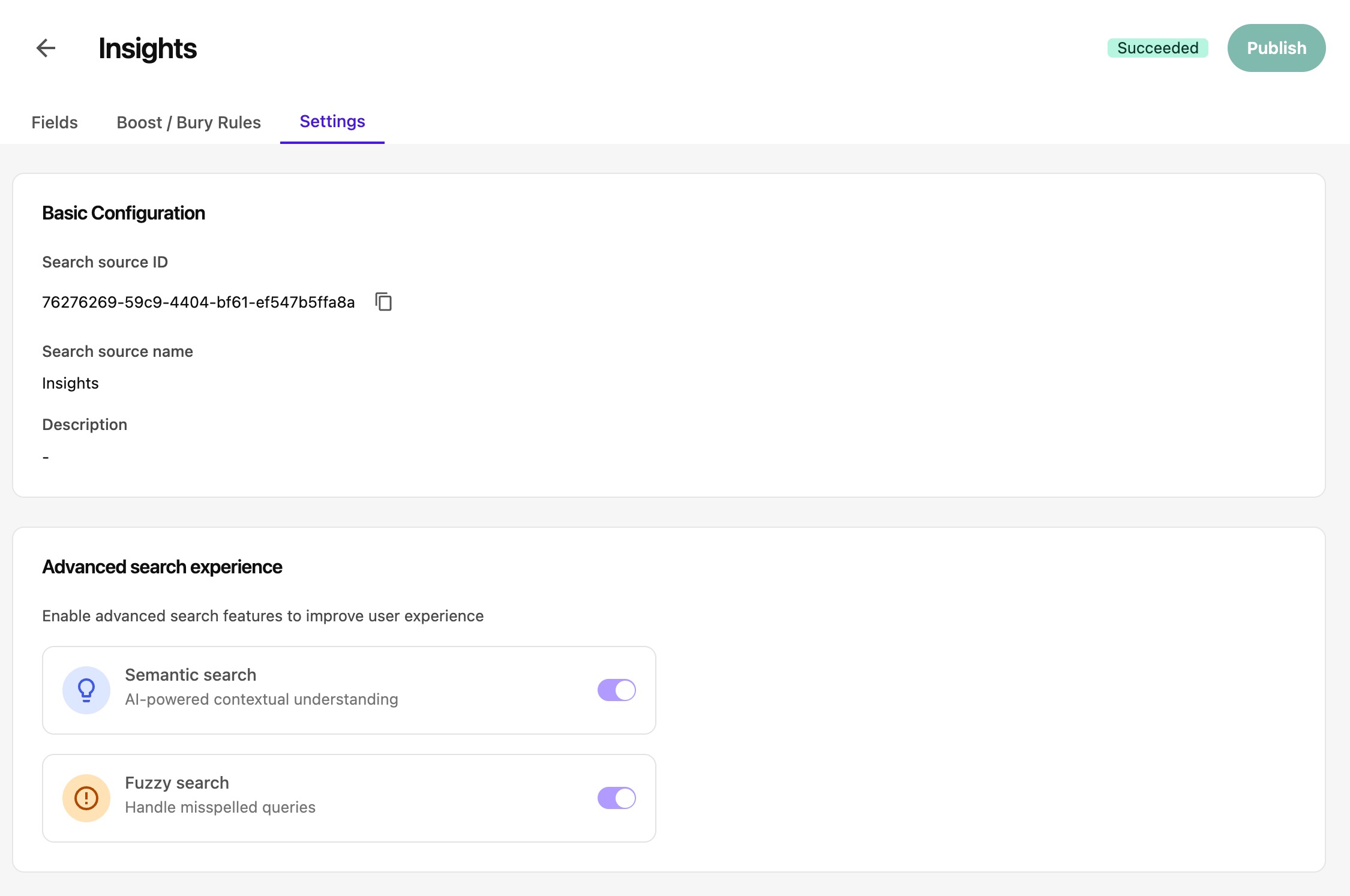
Lastly, you can specify advanced settings, namely, enabling semantic and fuzzy search.
Viewing/Editing Search Sources
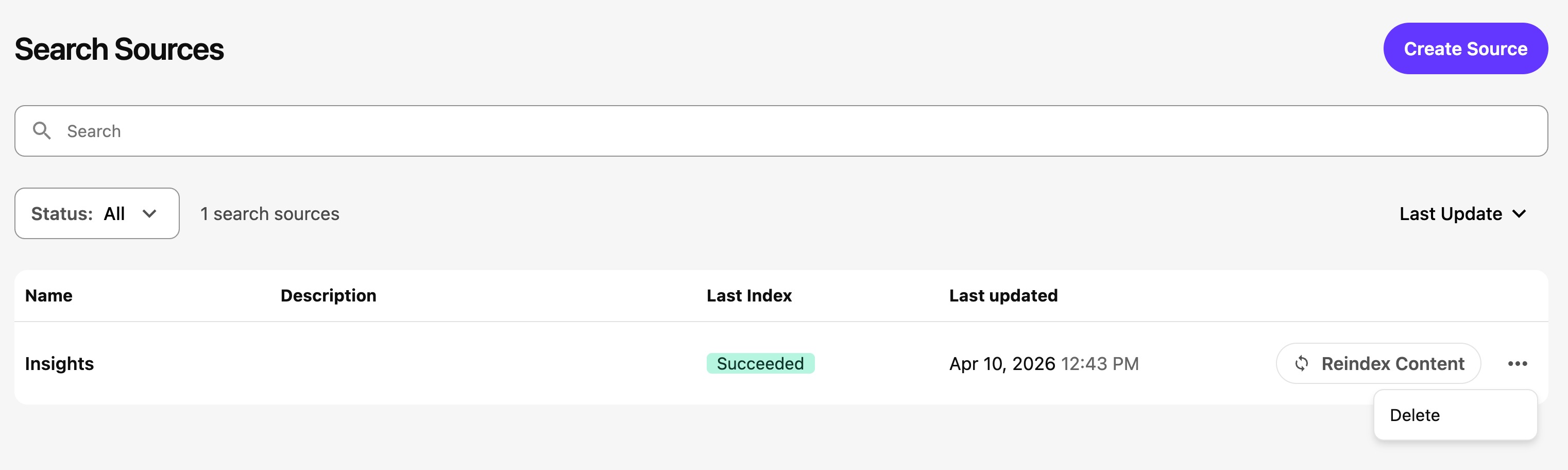
After you've completed the configuration, you can view the search sources that have been created and delete or reindex them:
You can view the fields. What's interesting is that sc_item_id is surfaced here.
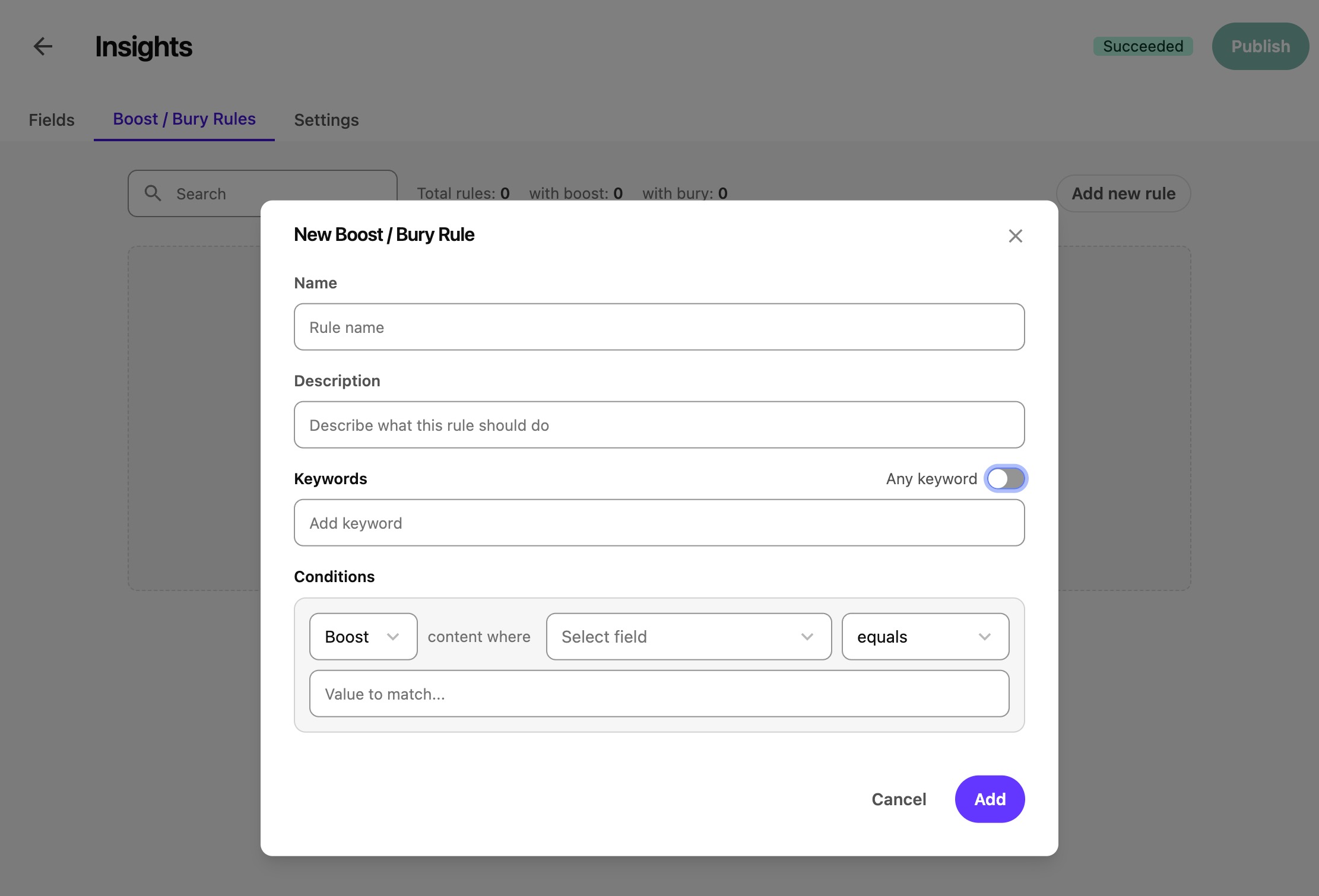
You can also edit some aspects of search source configuration after the fact. Specifically, Boost/Bury Rules, and Settings.
Lastly, you can view the settings.
Supported Fields
These are the fields that are currently supported:
- Checkbox
- Single-Line Text
- Multi-Line Text
- Rich Text
- Datetime
- Number
- Date
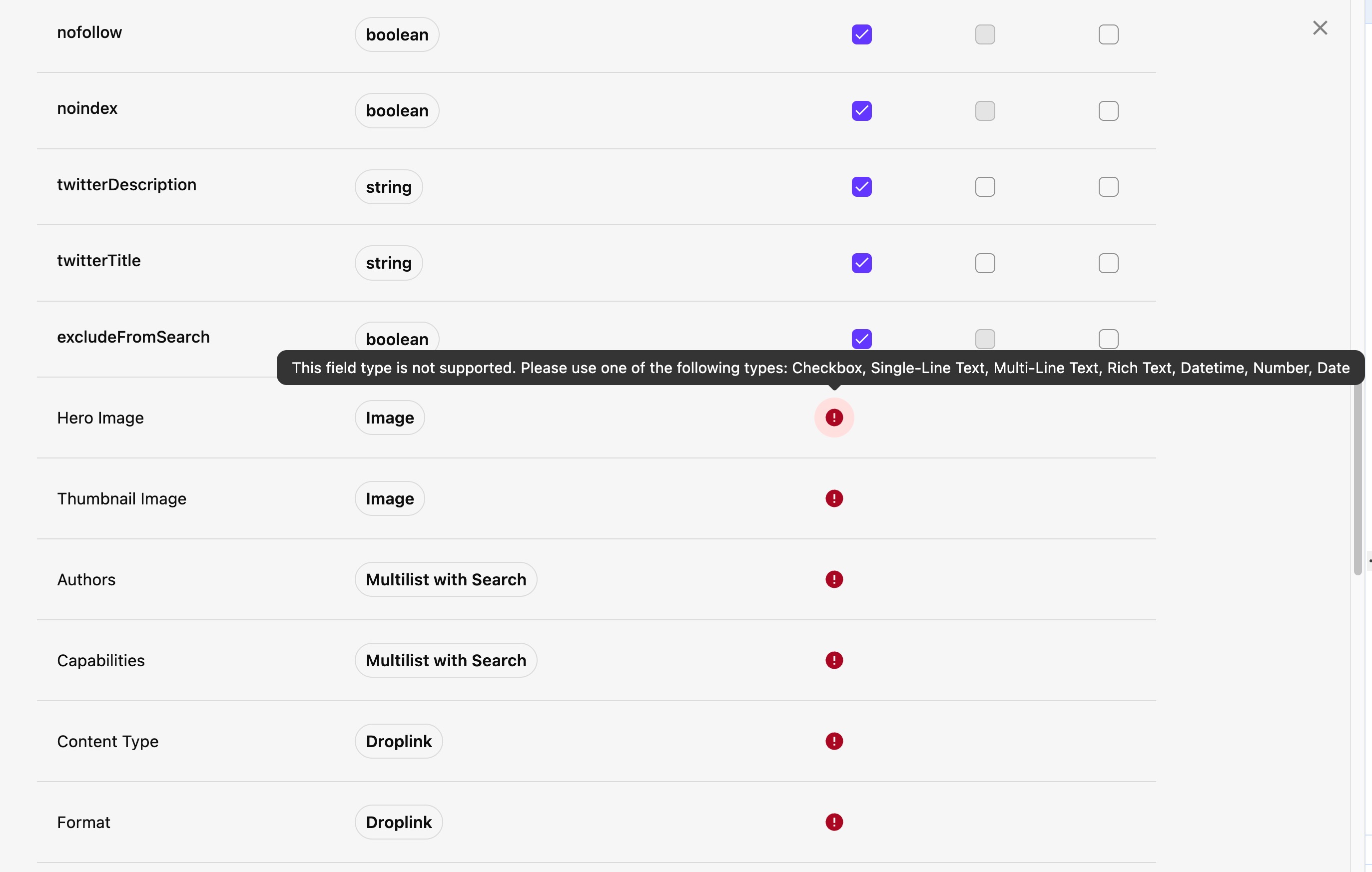
All other field types show this error:
This field type is not supported. Please use one of the following types: Checkbox, Single-Line Text, Multi-Line Text, Rich Text, Datetime, Number, Date
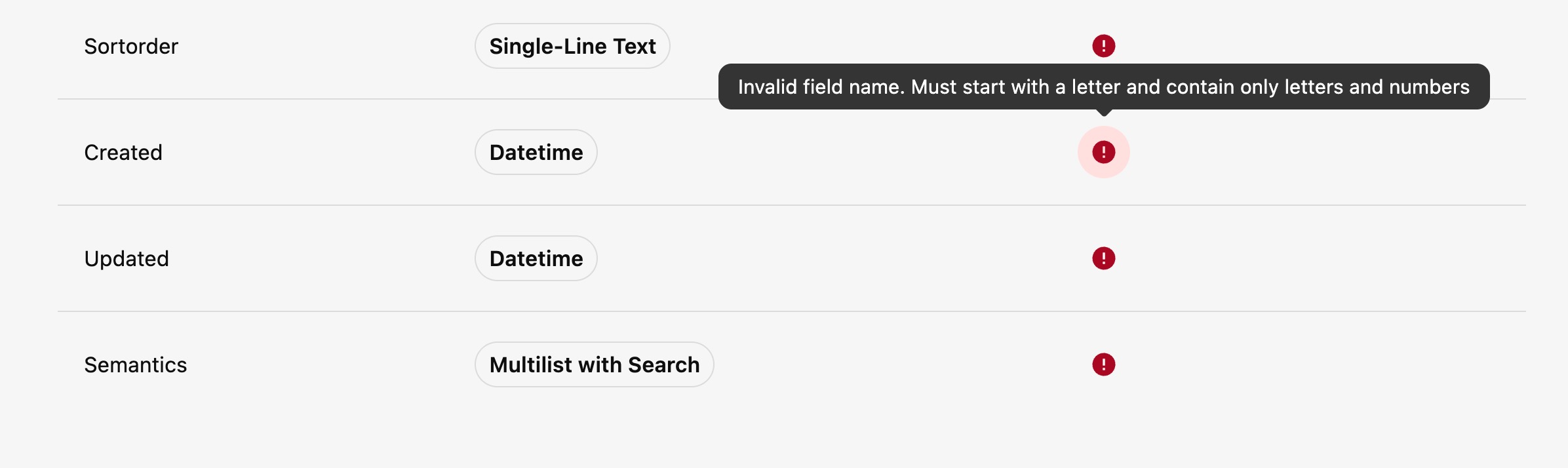
What's interesting is that the default Sitecore fields are also pulled in, but are marked as invalid due to the field name not being valid. We know that fields such as Updated and Created are actually named __Updated and __Created under the hood, so this makes sense... But I can see there being a need to be able to index these fields.
Other Dependencies
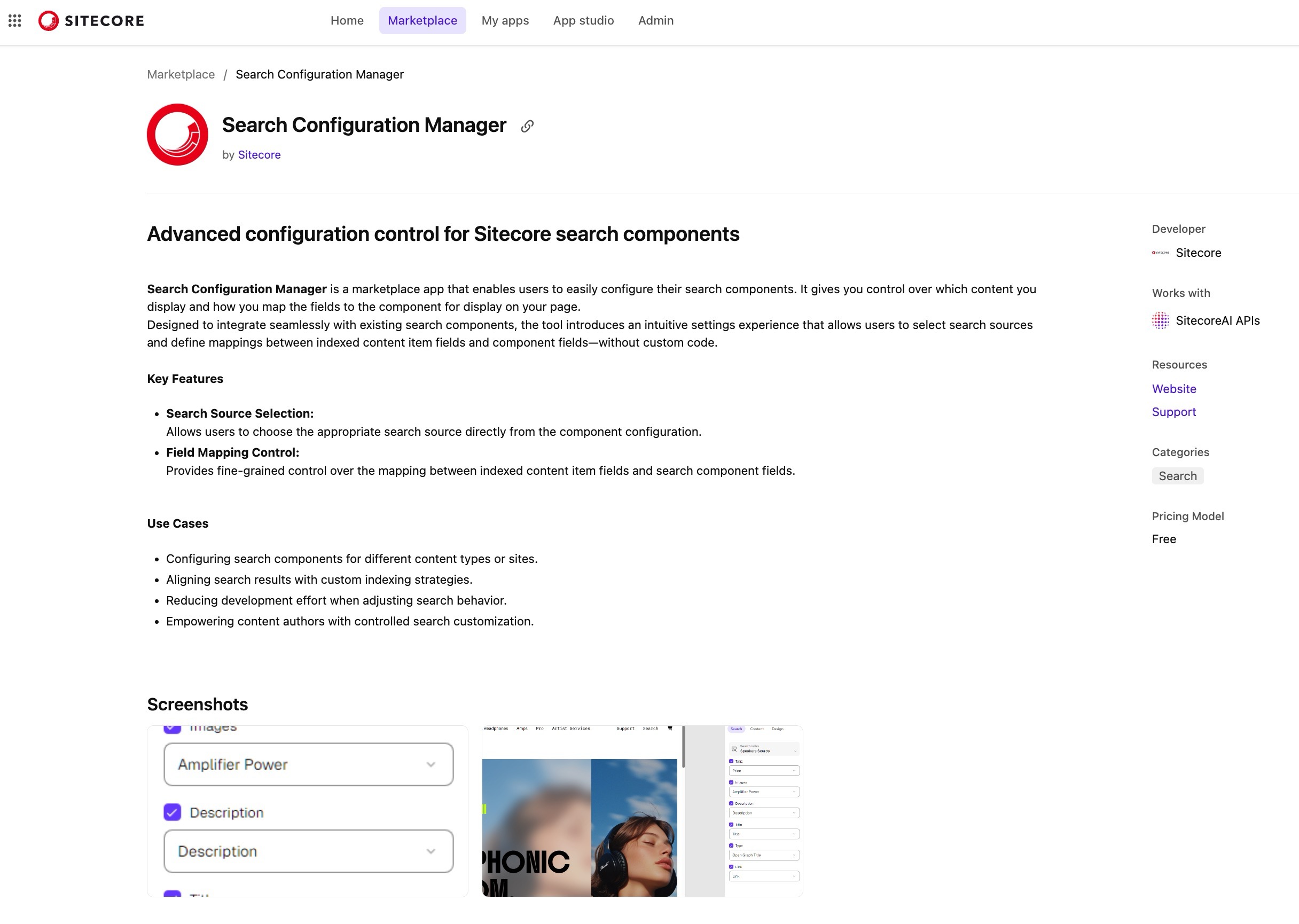
You also need to install the Search Configuration Manager marketplace app. The app ID is pub-958f3b66-0fb0-4675-8808-a5dc40949051.
Content SDK Integration
As far as coding goes, copy the search components from the starter kit
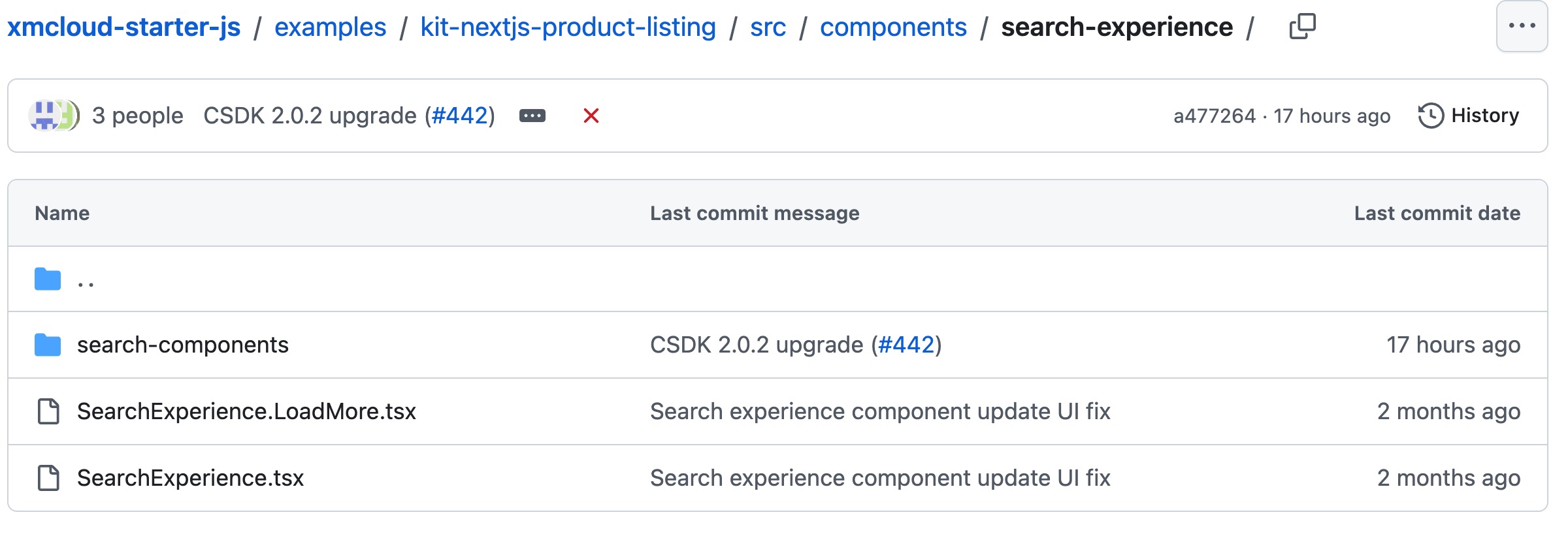
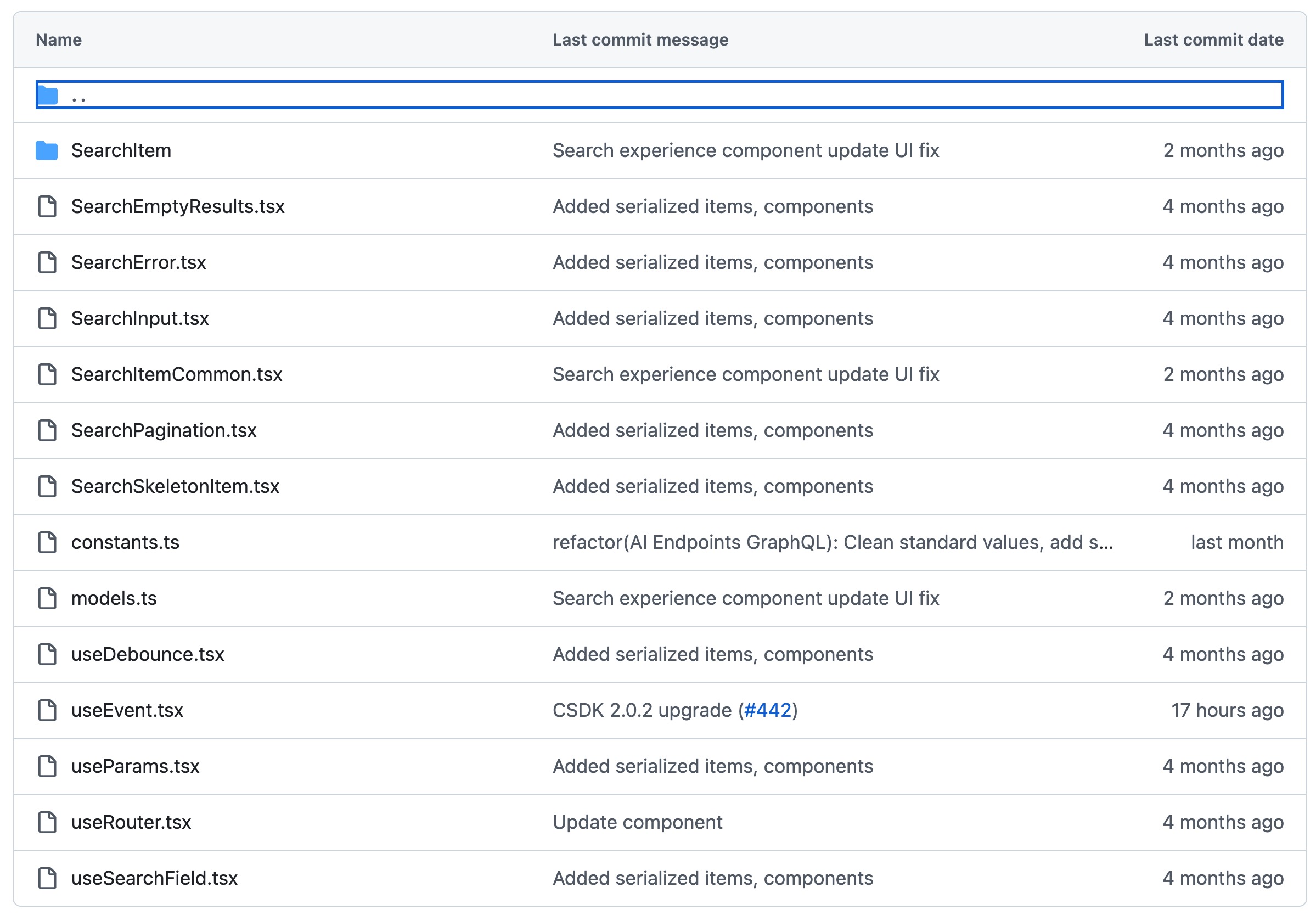
These components use the new hooks introduced in Content SDK 2.x. Specifically:
useSearchhook for paginated search queries with automatic state management, request cancellation, request status tracking.useInfiniteSearchhook for infinite scroll/search patterns with loadMore functionality, request cancellation, request status tracking.
What I'd Like to See
- The ability to index components on the page, which often makes up the majority of the content on a page.
- The ability to index default Sitecore fields such as
__Updatedand__Created. - The ability to toggle semantic and fuzzy search on and off for a search source after the search source has been created.
- The ability to see the progress of reindex operations.
- The ability to filter on multilist fields -- that's the base ingredient for building search facets!
Additional Resources
- https://developers.sitecore.com/changelog/sitecoreai/11022026/introducing-search-experiences-in-sitecoreai
- https://doc.sitecore.com/sai/en/users/sitecoreai/search-experiences.html
- https://github.com/Sitecore/content-sdk/releases/tag/v2.0.0
- https://github.com/Sitecore/content-sdk/pull/346
Keep indexing,
-MG