SitecoreAI RTE Profile Manager Chrome Extension

I covered the new RTE profile functionality in SitecoreAI fairly extensively in a previous post.
As a part two of sorts, I burned a few bucks and had a robotic appendage build a GUI for the API endpoints so that I could easily create and manage RTE profiles without having to do all of this via CLI. I'm not the first one to build a tool like this; there is already a SitecoreAI Marketplace app that does essentially the same thing, but I published one as a Chrome extension for a more lightweight and more portable solution.
Visual Tour
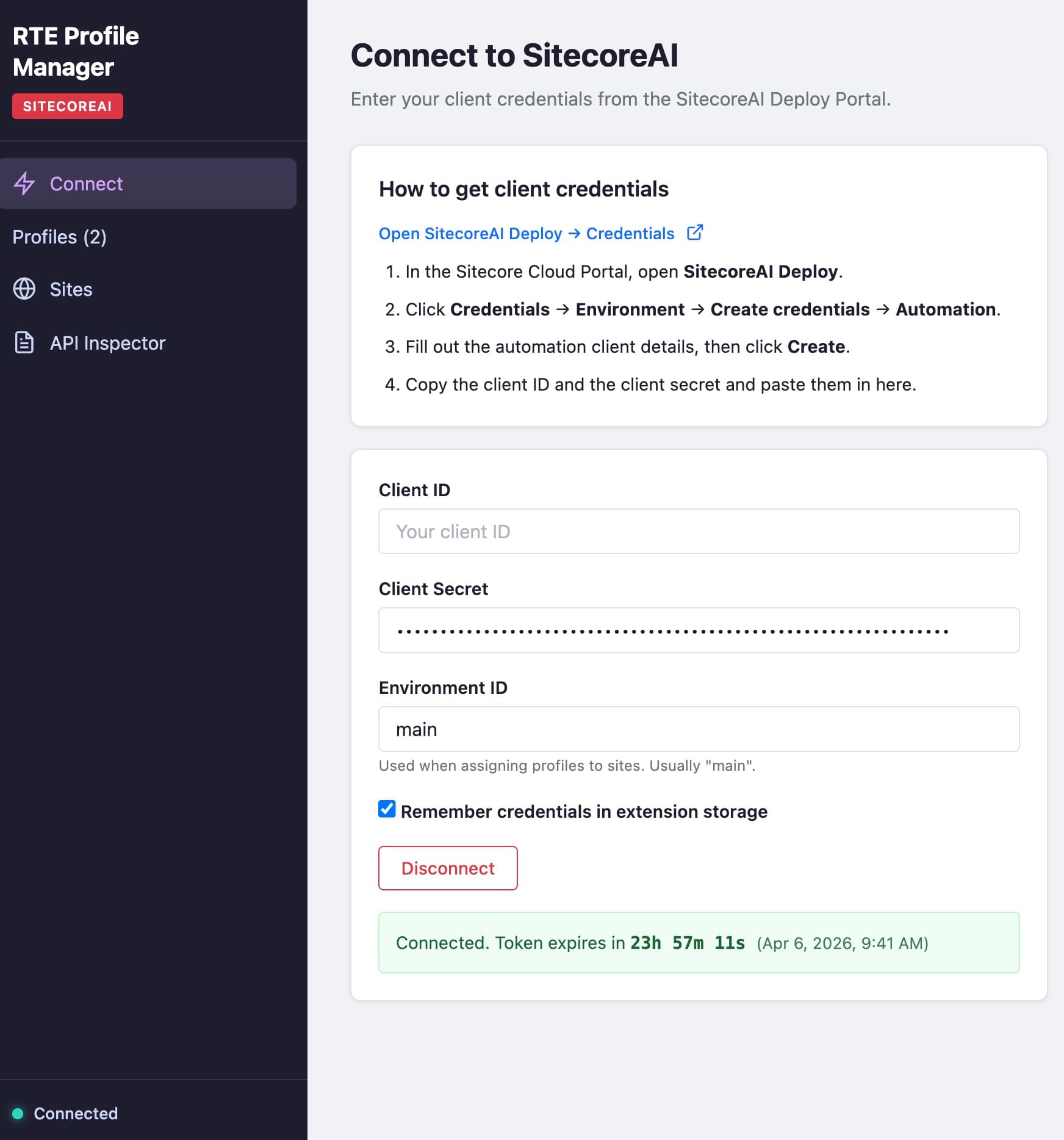
Authentication Screen
The auth screen makes it dead simple to connect to SitecoreAI and get started.
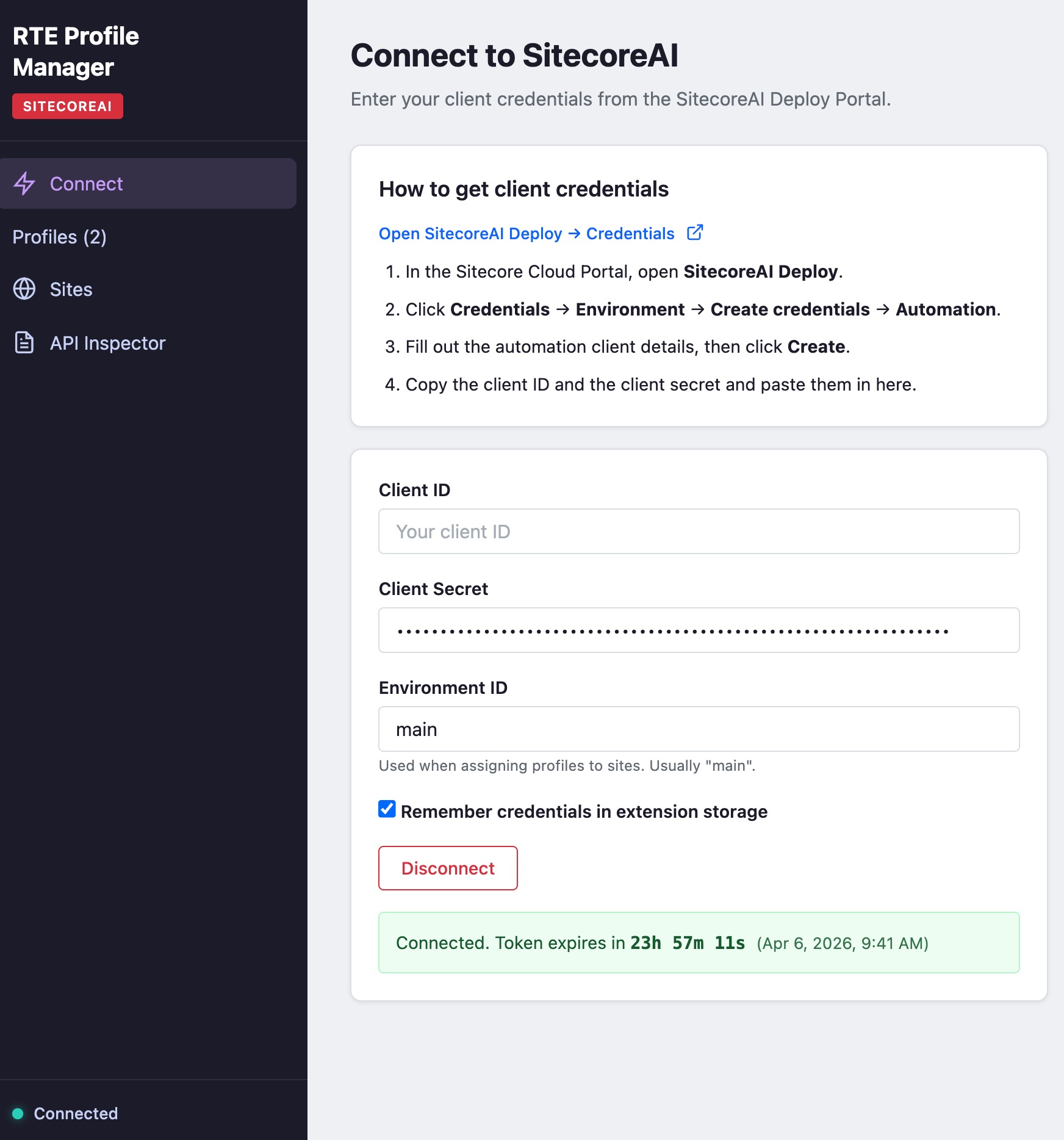
Editor Profiles
The profiles screen lists all of the profiles that are available in SitecoreAI.
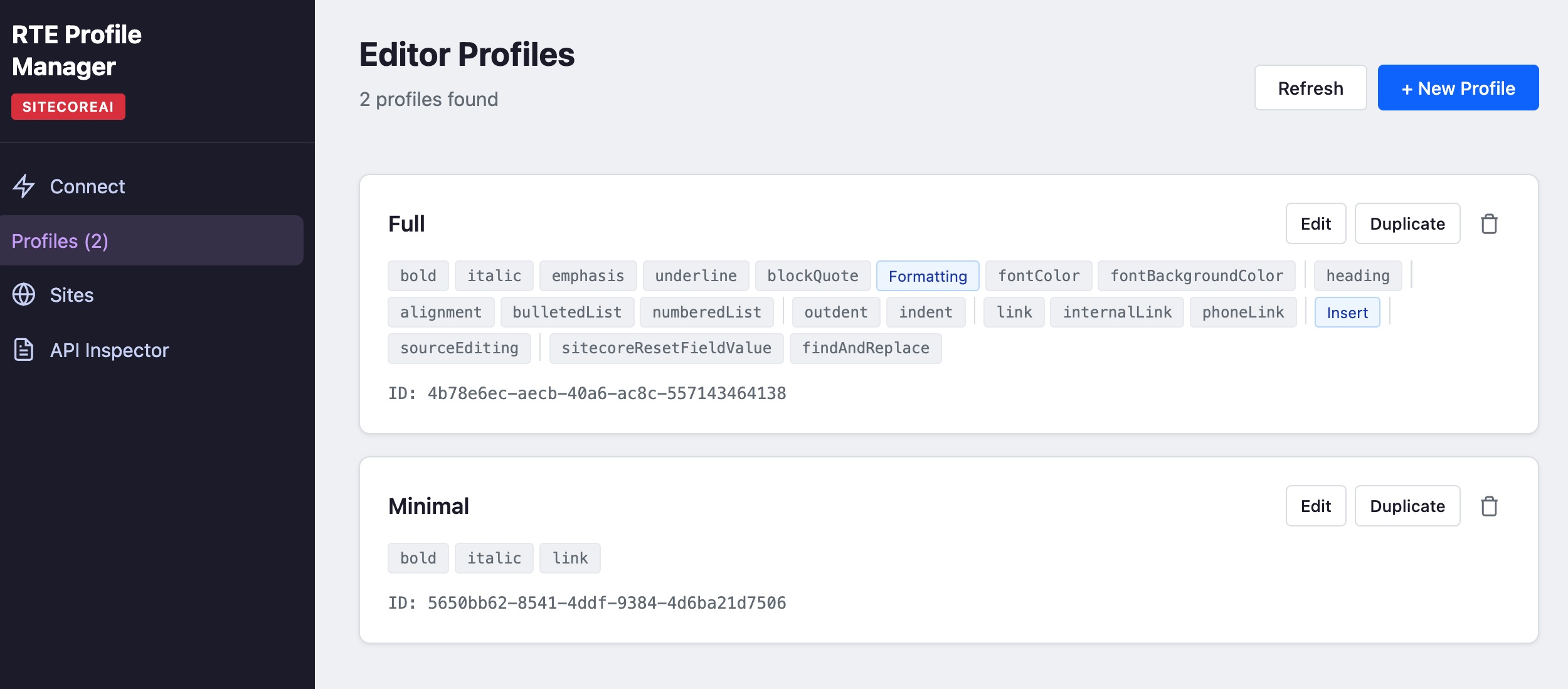
You can edit individual profiles by dragging and dropping elements around.
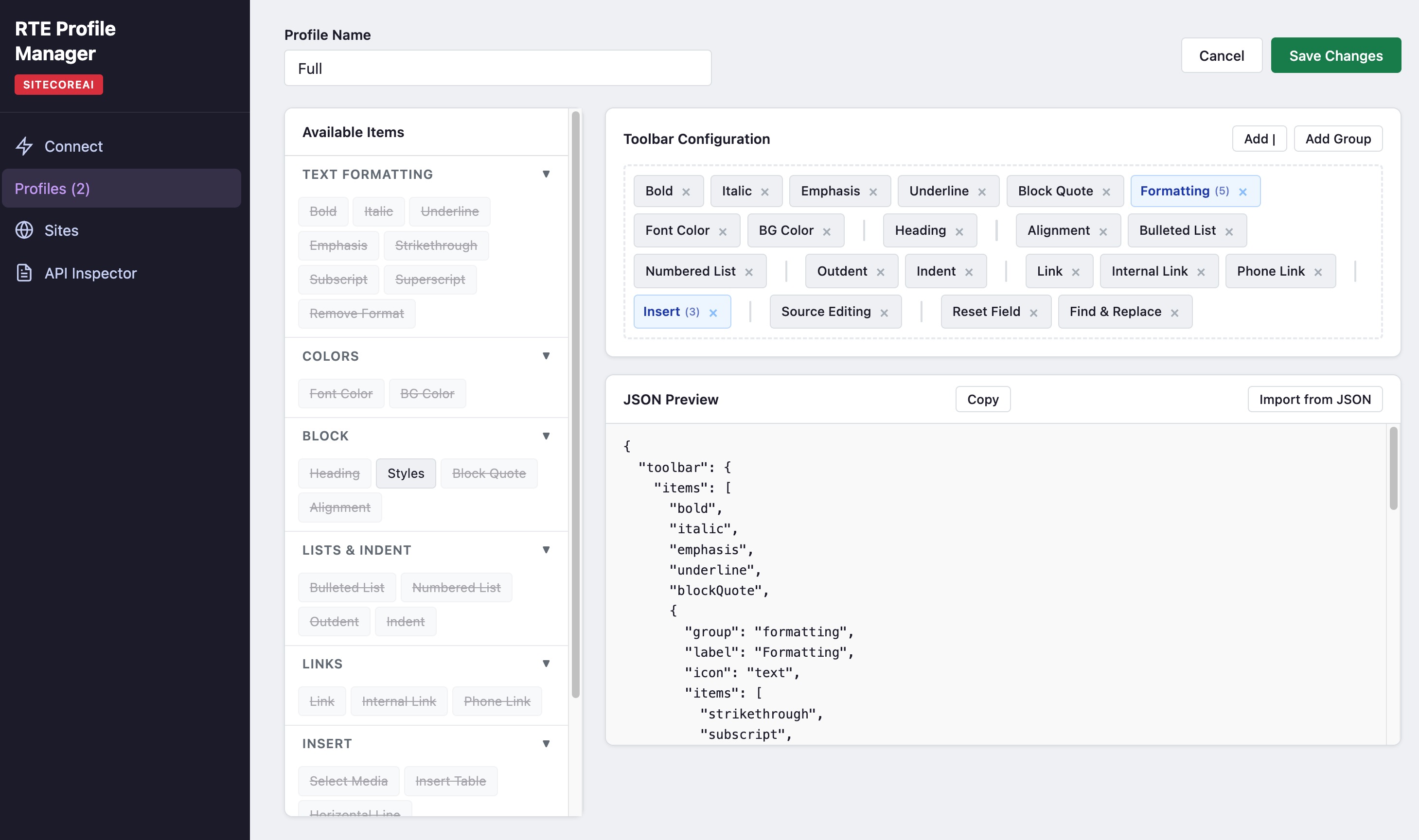
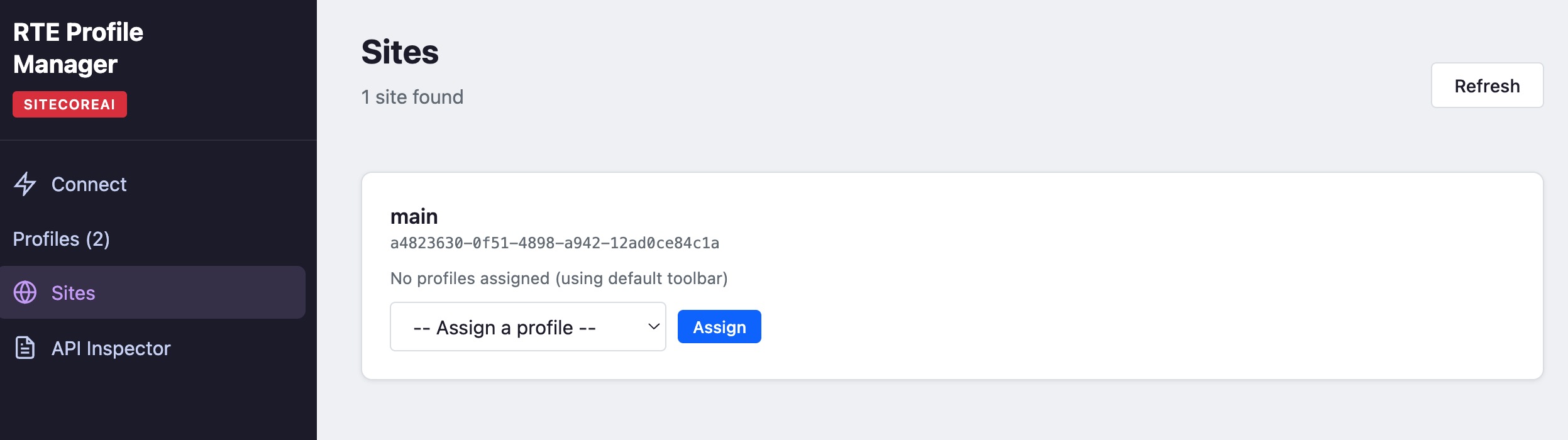
Sites
You can assign your profiles to sites.
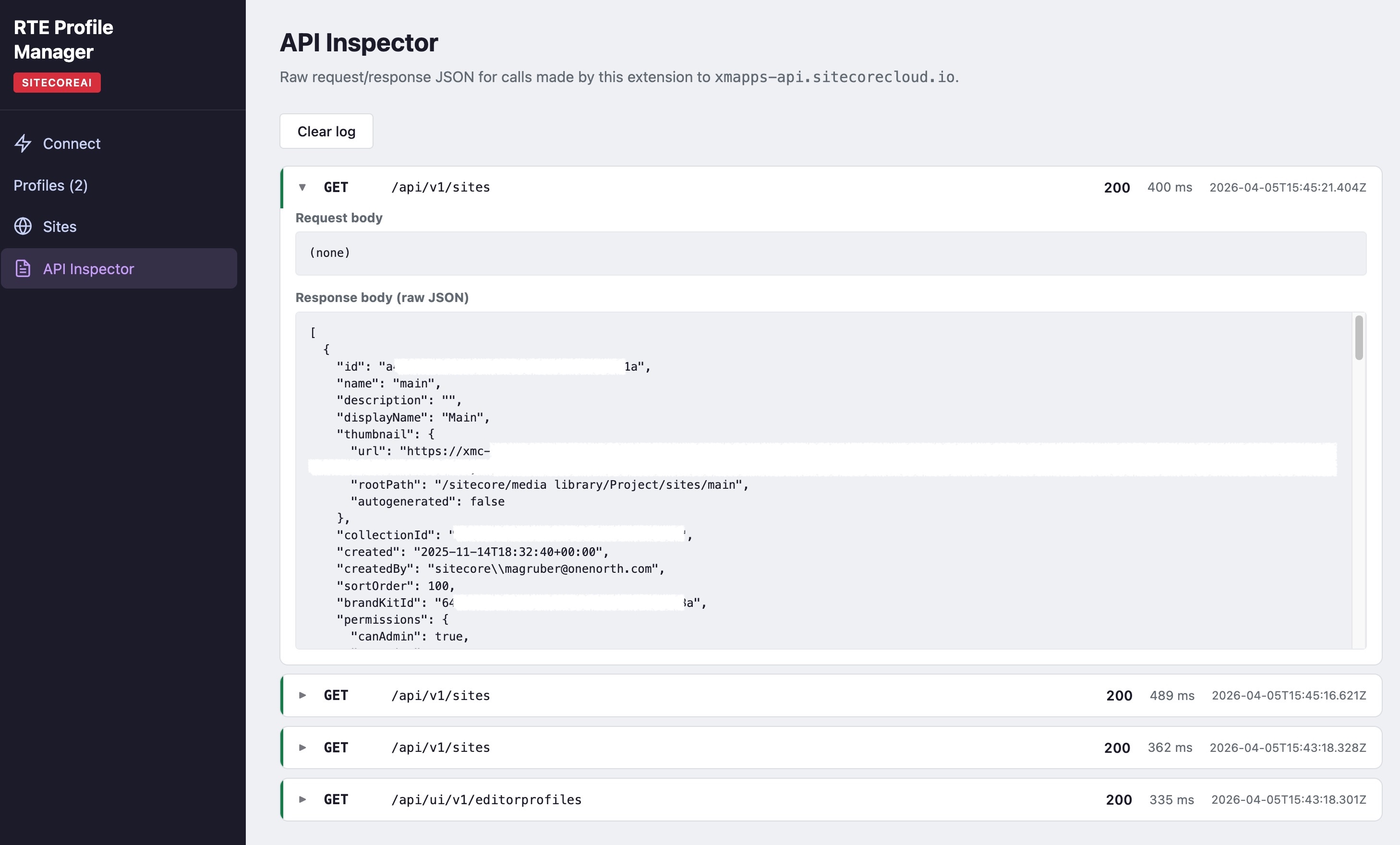
API Inspector
You can inspect the raw requests and responses that occurred during your session.
See the Code
The code is available on GitHub:
https://github.com/marcelgruber/SitecoreAI-RTE-Profile-Manager
Use the Code
You can install the extension from the Chrome Web Store:
https://chromewebstore.google.com/detail/sitecoreai-rte-profile-ma/oboglcjlkinhkocdffknnmiaminakhjb
Stay chrome-plated,
-MG